

Mac OS install on AMD Ryzen/INTEL (VMWare) Opencore - Improved Performance - Works with Tahoe / Sequoia / Sonoma / etc
- Thread starter tucano2000
- Start date
You are using an out of date browser. It may not display this or other websites correctly.
You should upgrade or use an alternative browser.
You should upgrade or use an alternative browser.
hi so i was away and my brother got in my account and he loves to annoy people so the last few posts wasnt me
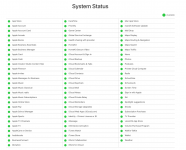
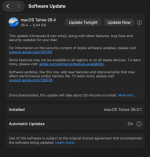
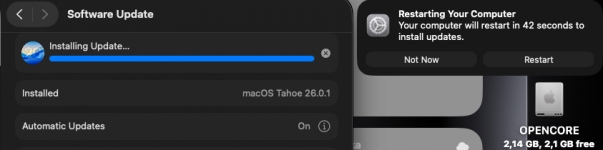
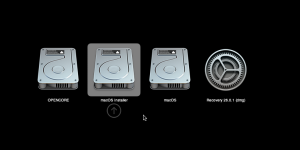
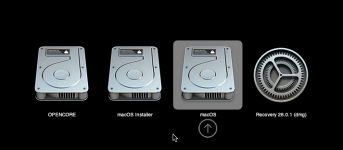

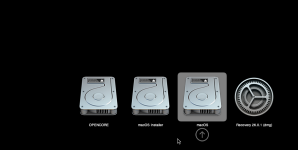
The Over The Air (OTA) Apple software update 5Gb download usually doesn’t work. A full 17Gb+ download is usually required for Tahoe on a Hack.

As I mentioned before, I am using Tahoe.iso from 9 download links in this article.Where did you get the macOS ISO from? Did you use one of the download links in the first post?
https://forum.amd-osx.com/threads/m...works-with-sequoia-sonoma-etc.4696/post-41807
Last edited:
You can have multiple VM’s running if your system is powerful enough to do so. However, a laptop might not be the best choice for such a setup.
If you have an 8-core CPU, then setting 4-cores to each VM may not be wise. You may need to manually edit the OC vmdk to only use 2 or 3-cores per VM, so you leave sufficient processing power for the Host OS. Plus you need to have sufficient memory available for the VM’s and host OS.
If you have an 8-core CPU, then setting 4-cores to each VM may not be wise. You may need to manually edit the OC vmdk to only use 2 or 3-cores per VM, so you leave sufficient processing power for the Host OS. Plus you need to have sufficient memory available for the VM’s and host OS.